STEP: 1
system: Goldmine method
A simple proof operating system with categories, extraction prompts, and repeatable workflows for turning raw proof into content.
STEP: 1
EXTRACT: Proof Extractor GPT
An interview style GPT that pulls the story, angle, useful detail, and selling points out of your client work.
STEP: 1
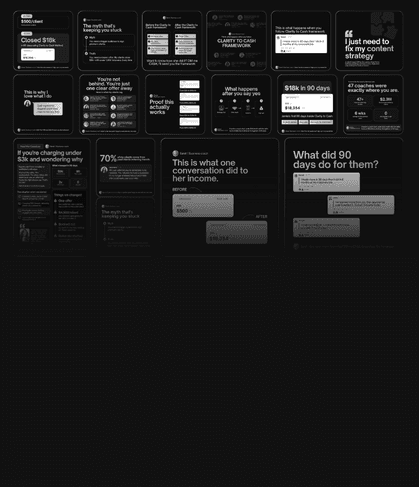
design: 20+ social proof Templates
Visual templates mapped to different proof types, so you can showcase your results properly.
$49
$197
One-time payment • NO SUBSCRIPTION
Get Instant access
Launch pricing ends soon
HOW SOCIAL PROOF SYSTEM WORKS
Turn buried proof into visible authority.

I had proof. I just did not know how to show it.
I’ve designed for over 100+ brands. I have worked with brands to get their brand identity to the lead funnel pages, but I realized something: Nobody online knew how good I actually was. I have never properly shared my social proofs. People online could not see the depth of the work.
I had proof, screenshots. Client messages. Wins. transformations that mattered.
But I kept overthinking how to turn all of it into content without sounding like a walking sales brochure. So I built the system I needed first.
So I built a system to do this easily under 15 mins/week
WHY I BUILT THIS
Social Proof System™ gives you a repeatable way to pull proof out of your work, shape it into a useful story, and turn it into visible authority content.


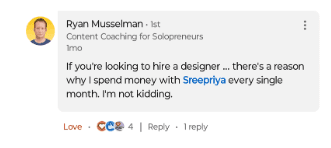



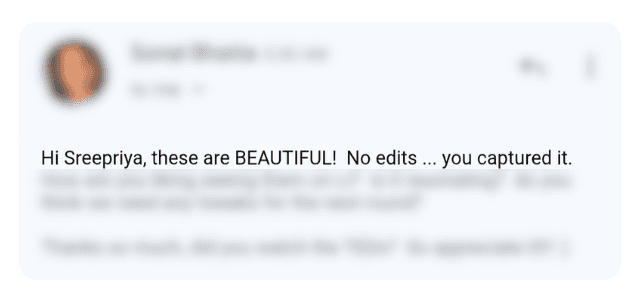

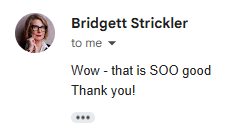
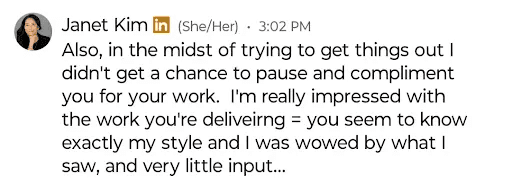
your best proof is in conversations
Social Proof System
A System that helps you extract, organize, and design the proof you already have, so your wins stop sitting inside screenshots, DMs, voice notes, and client messages.
Learn how Social proof system works
What if I do not have enough proof?
If you have had paying clients who didn't ask for a refund, you have proof. The Custom GPT is specifically designed to uncover the micro-wins you think are "normal" but your prospects think are magic. The system helps you find proof in messages, client moments, process notes, referrals, repeated questions, and transformation patterns.
How do I add images?
To add an image, select any Frame, and either double-click on it, or go to the Fill property. In the Fill property, switch to the image icon. Here, you can upload images.
How do I add videos?
To add a video to your site, click the “Insert” button and navigate to the “Media” section. Then, drag and drop a video component onto the Canvas.